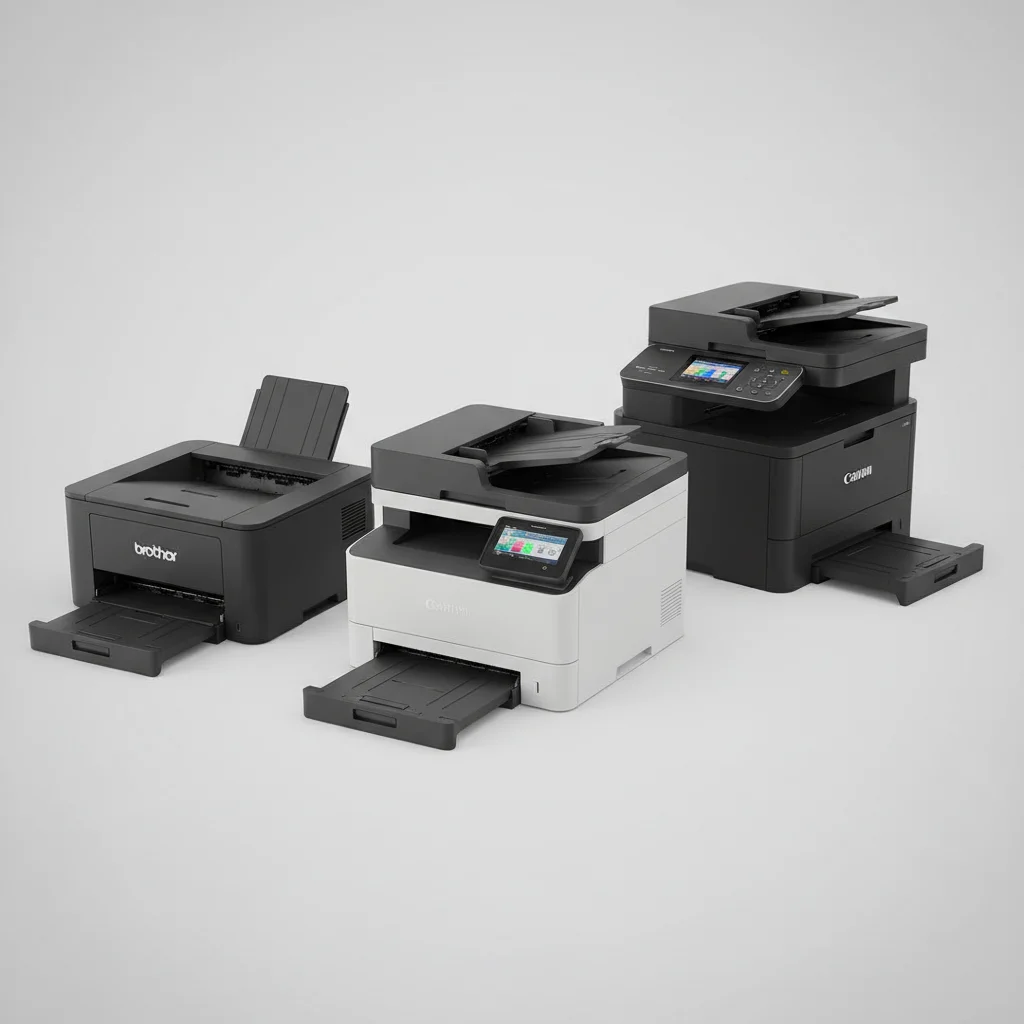
Choosing the best laser printer for a small office requires balancing speed, print quality, and cost-effectiveness. In 2026, there are several excellent options that cater specifically to the needs of small businesses, offering robust features without the footprint or expense of enterprise-level machines. We’ve identified five top contenders that deliver exceptional value and performance for small office environments.
Understanding Small Office Printing Needs
Small offices typically require printers that can handle a moderate volume of printing, often between 500 and 2,000 pages per month. Key considerations include print speed (measured in pages per minute, PPM), duplex printing capability for saving paper, network connectivity (wired or wireless), and the cost of toner per page. Reliability is paramount, as downtime can significantly impact productivity. Many small offices also benefit from multifunction devices that can print, scan, copy, and sometimes fax, consolidating equipment and saving space.
Top Contenders for Small Office Laser Printers
When evaluating laser printers for a small office, several models consistently rise to the top. These printers offer a blend of features that make them ideal for environments with limited space and budget, yet demanding performance. We’ve focused on models known for their durability, efficiency, and user-friendly interfaces.
- Brother MFC-L2750DW: Known for its fast print speeds and robust feature set, including automatic duplex printing and a 50-sheet automatic document feeder (ADF).
- HP LaserJet Pro MFP M428fdw: Offers strong security features, excellent print quality, and a user-friendly touchscreen interface, making it a solid all-in-one choice.
- Canon Color imageCLASS MF644Cdw: A great option for small offices needing color printing, providing vibrant output and efficient operation with a compact design.
- Lexmark B2236dw: A monochrome workhorse, this printer delivers impressive speed and low running costs, ideal for text-heavy document production.
- Samsung Xpress M2835DW: While Samsung’s printer division was acquired by HP, some models are still available and offer reliable, cost-effective monochrome printing with good mobile connectivity.
Key Features to Prioritize
|
Our Picks for the Best Laser Printer in 2026
As an Amazon Associate I earn from qualifying purchases.
|
||
| Num | Product | Action |
|---|---|---|
| 1 | Brother DCP-L2640DW Wireless Compact Monochrome Multi-Function Laser Printer with Copy and Scan, Duplex, Black & White Output | Includes Refresh Subscription Trial(1), (Renewed Premium) |

|
| 2 | Brother HLL3280CDW Wireless Compact Color Laser Printer, Duplex, Mobile Printing & Ethernet | Includes 2 Month Refresh Subscription Trial¹, Amazon Dash Replenishment Ready (Renewed Premium) |
|
| 3 | HP LaserJet MFP M235sdw All-in-One Laser Wireless Printer, Scan/Copy, Black & White, Duplex, Best-for-Office |
|
| 4 | Brother DCP-L2640DW Wireless Compact Monochrome Multi-Function Laser Printer with Copy and Scan, Duplex, Mobile, Black & White | Includes Refresh Subscription Trial(1), Works with Alexa |
|
| 5 | HP Laserjet MFP M234dw Wireless Printer, Print, scan, Copy, Fast speeds, Easy Setup, Mobile Printing, Best-for-Small Teams, Instant Ink Eligible |
|
| 6 | Brother MFC-L2820DW Wireless Compact Monochrome All-in-One Laser Printer with Copy, Scan and Fax, Duplex, Black & White | Includes Refresh Subscription Trial(1), Works with Alexa |
|
| 7 | Canon imageCLASS MF284dw Wireless Black & White Laser Printer – All-in-One for Home Use, Print/Copy/Scan, 2-Sided Printing, 35 PPM, Auto Doc Feeder, Mobile Device Compatible, Starter Toner Included |
|
| 8 | Brother HL-L2460DW Wireless Compact Monochrome Laser Printer with Duplex, Mobile Printing, Black & White Output | Includes Refresh Subscription Trial(1), Works with Alexa |
|
| 9 | Brother HL-L2405W Wireless Compact Monochrome Laser Printer with Mobile Printing, Black & White Output | Includes Refresh Subscription Trial(1), Works with Alexa |
|
| 10 | Brother HLL6210DW Business Monochrome Laser Printer with Large Paper Capacity, Wireless and Gigabit Ethernet Networking, Advanced Security Features and Mobile Printing (Renewed Premium) |
|
For a small office, certain features are more critical than others. Automatic duplex printing is a must-have for reducing paper consumption and costs. Wireless connectivity allows for flexible placement and printing from various devices, including smartphones and tablets. A decent-sized paper tray (250 sheets or more) minimizes the frequency of refills. For offices that scan and copy frequently, an automatic document feeder (ADF) is invaluable. Finally, consider the total cost of ownership, which includes the initial purchase price and the ongoing cost of toner cartridges. High-yield toner options can significantly reduce per-page costs over time.
Many small offices also benefit from robust security features, especially if handling sensitive client information. Look for printers with secure boot, firmware integrity checks, and encrypted data transmission. User authentication can also prevent unauthorized access to print jobs.
Installation and Maintenance Considerations
Ease of installation and maintenance is another crucial factor. Most modern laser printers offer straightforward setup processes, often guided by on-screen instructions or mobile apps. Regular maintenance typically involves replacing toner cartridges and occasionally cleaning the drum unit or fuser. Choosing a printer with readily available and affordable replacement parts and consumables will save time and money in the long run. Consider models with separate toner and drum units, as this can sometimes lead to lower replacement costs.
For optimal performance, ensure your printer’s firmware is kept up to date. Many manufacturers provide updates that improve security, add new features, and fix bugs. Regular cleaning of the paper path can prevent jams and ensure consistent print quality.
Making the Right Investment
Investing in the right laser printer for your small office can significantly boost productivity and reduce operational costs. By carefully evaluating your specific printing volume, feature requirements, and budget, you can select a model that will serve your business effectively for years to come. Remember to consider not just the upfront cost, but also the long-term expenses associated with toner and maintenance. A well-chosen laser printer is a cornerstone of an efficient small office.
Get our weekly buyer guide
Practical specs, not advice. Unsubscribe anytime.
