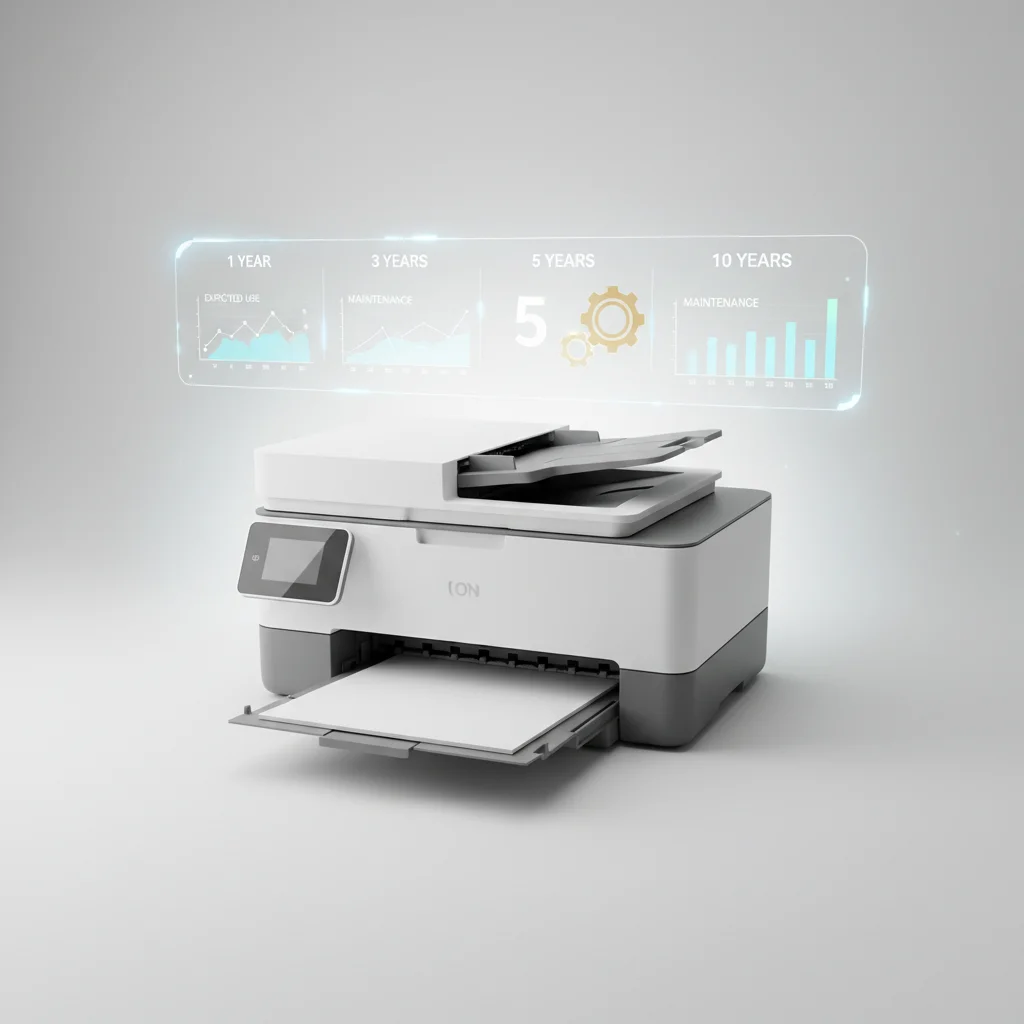
A typical laser printer can last anywhere from 5 to 10 years, with some models exceeding this range under optimal conditions. The exact lifespan depends on several factors, including the printer’s build quality, the volume of printing it handles, and the consistency of its maintenance schedule. Understanding these variables can help you maximize your printer’s operational life and ensure a better return on your investment.
Factors Influencing Laser Printer Durability
Several key elements contribute to how long a laser printer will reliably function. High-quality components, often found in business-grade printers, are designed for greater endurance and higher duty cycles compared to entry-level consumer models. The duty cycle, which is the maximum number of pages a printer is designed to print per month, is a crucial indicator of its intended longevity. Exceeding this consistently can significantly shorten its life. For more laser printer guides on this site.
Environmental factors also play a role. Printers kept in clean, dust-free environments with stable temperatures tend to last longer. Exposure to excessive dust, humidity, or extreme temperature fluctuations can degrade internal components, particularly the fuser unit and drum, leading to premature failure.
Maintenance and Usage Habits
Regular maintenance is paramount for extending a laser printer’s lifespan. This includes routine cleaning of the interior to remove toner dust and paper debris, which can accumulate and cause wear on moving parts. Replacing consumables like toner cartridges, drum units, and fuser kits as recommended by the manufacturer is also critical. Neglecting these replacements can lead to decreased print quality and increased strain on other components.
- Clean the interior regularly with a specialized vacuum or lint-free cloth.
- Replace toner cartridges promptly when low to avoid print quality issues.
- Monitor and replace drum units and fuser kits according to manufacturer guidelines.
- Use high-quality paper to minimize paper jams and internal wear.
- Avoid overloading paper trays beyond their specified capacity.
The type of usage also impacts longevity. Printers used for occasional, light-duty tasks will naturally last longer than those constantly running at their maximum capacity. Printers that frequently handle complex print jobs or specialty media may experience more wear and tear on their internal mechanisms.
When to Consider a Replacement
|
Our Picks for the Best Laser Printer in 2026
As an Amazon Associate I earn from qualifying purchases.
|
||
| Num | Product | Action |
|---|---|---|
| 1 | Brother MFC-L2820DW Wireless Compact Monochrome All-in-One Laser Printer with Copy, Scan and Fax, Duplex, Black & White | Includes Refresh Subscription Trial(1), Works with Alexa |

|
| 2 | Brother HL-L2460DW Wireless Compact Monochrome Laser Printer with Duplex, Mobile Printing, Black & White Output | Includes Refresh Subscription Trial(1), Works with Alexa |
|
| 3 | Brother HL-L2405W Wireless Compact Monochrome Laser Printer with Mobile Printing, Black & White Output | Includes Refresh Subscription Trial(1), Works with Alexa |
|
| 4 | Brother DCP-L2640DW Wireless Compact Monochrome Multi-Function Laser Printer with Copy and Scan, Duplex, Mobile, Black & White | Includes Refresh Subscription Trial(1), Works with Alexa |
|
| 5 | Brother HLL6210DW Business Monochrome Laser Printer with Large Paper Capacity, Wireless and Gigabit Ethernet Networking, Advanced Security Features and Mobile Printing (Renewed Premium) |
|
| 6 | HP Laserjet MFP M234dw Wireless Printer, Print, scan, Copy, Fast speeds, Easy Setup, Mobile Printing, Best-for-Small Teams, Instant Ink Eligible |
|
| 7 | Brother HLL3280CDW Wireless Compact Color Laser Printer, Duplex, Mobile Printing & Ethernet | Includes 2 Month Refresh Subscription Trial¹, Amazon Dash Replenishment Ready (Renewed Premium) |
|
| 8 | Canon imageCLASS MF284dw Wireless Black & White Laser Printer – All-in-One for Home Use, Print/Copy/Scan, 2-Sided Printing, 35 PPM, Auto Doc Feeder, Mobile Device Compatible, Starter Toner Included |
|
| 9 | HP LaserJet MFP M235sdw All-in-One Laser Wireless Printer, Scan/Copy, Black & White, Duplex, Best-for-Office |
|
| 10 | Brother DCP-L2640DW Wireless Compact Monochrome Multi-Function Laser Printer with Copy and Scan, Duplex, Black & White Output | Includes Refresh Subscription Trial(1), (Renewed Premium) |
|
While proper care can extend a laser printer’s life, there comes a point when replacement becomes more cost-effective than repair. Signs that your printer might be nearing the end of its useful life include frequent error messages, consistent paper jams, declining print quality despite new consumables, and the unavailability of replacement parts. The cost of repairs, especially for major components like the fuser or laser assembly, can sometimes approach the price of a new printer.
Technological advancements also play a role. Older printers may lack modern features like enhanced wireless connectivity, faster print speeds, or improved energy efficiency. Upgrading to a newer model can offer significant benefits in terms of productivity, convenience, and lower operating costs in the long run. Consider models like thefor a balance of performance and durability.
Maximizing Your Printer’s Longevity
To ensure your laser printer serves you for as many years as possible, invest in a model that matches your printing volume needs. A printer with a higher duty cycle will better withstand heavy use. Adhere strictly to the manufacturer’s maintenance schedule and use genuine replacement parts whenever possible. For reliable performance and extended life, many users find value in models such as the, known for its robust build and consistent output.
Get our weekly buyer guide
Practical specs, not advice. Unsubscribe anytime.
