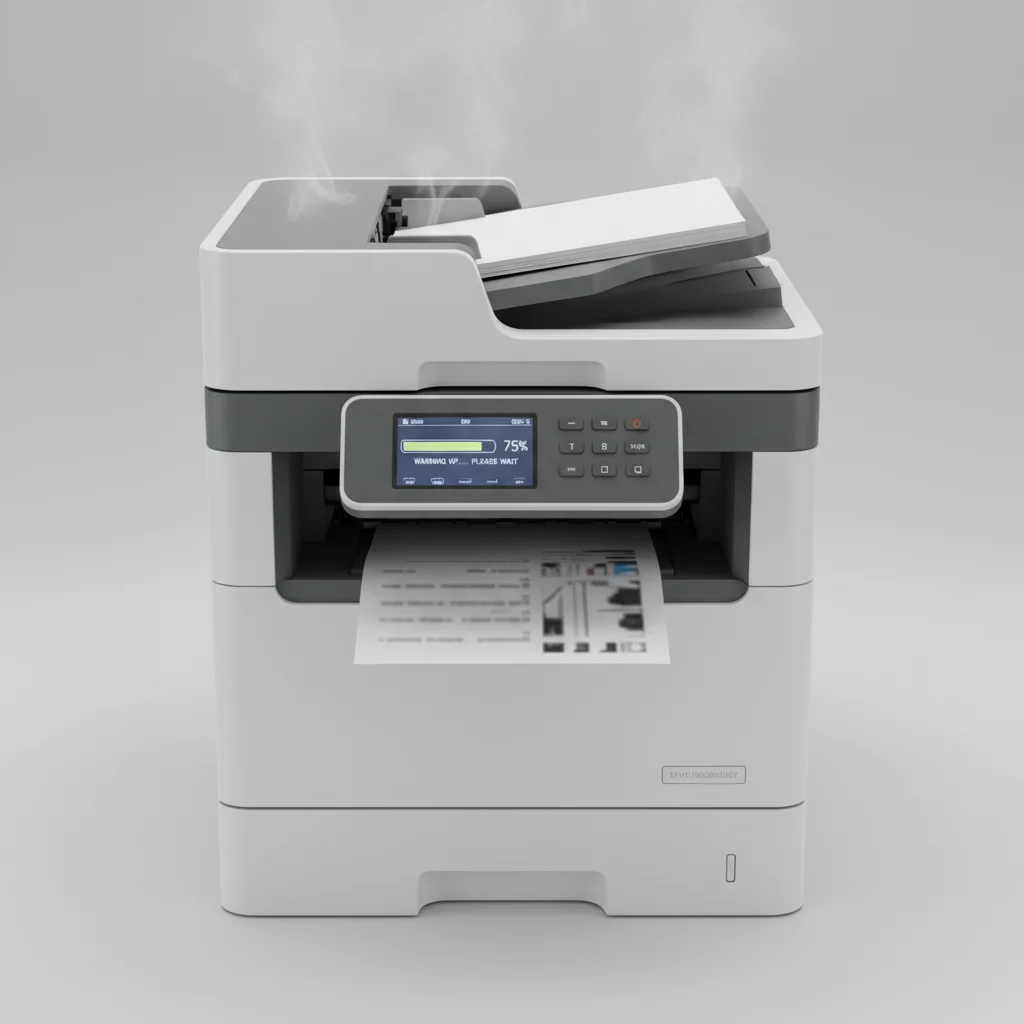
Understanding your laser printer’s warm-up time is crucial for efficient printing, especially in busy home or office environments. On average, a modern laser printer takes between 15 to 45 seconds to warm up from a cold start before it can begin printing. This duration can vary based on the printer’s model, its age, and whether it’s waking from a sleep mode or a complete power-off state.
The warm-up process primarily involves heating the fuser unit, which is responsible for melting the toner powder onto the paper. This component needs to reach a specific temperature, typically around 200 degrees Celsius (392 degrees Fahrenheit), to ensure the toner adheres correctly and permanently. Without adequate warm-up, prints would appear smudged or incomplete. For expert laser printer reviews on this site.
Factors Influencing Warm-Up Duration
Several factors contribute to how long your laser printer takes to warm up. Newer models often feature faster heating elements and more efficient power management systems, reducing the wait time. Conversely, older printers or those with larger fuser units might require more time to reach optimal operating temperature. The ambient room temperature also plays a role; a colder environment will naturally necessitate a longer warm-up period for the fuser to reach its target heat.
Another significant factor is the printer’s power state. Waking from a low-power sleep mode is generally much quicker than starting from a complete power-off, as some components may retain residual heat. Printers designed for high-volume use often have more robust fuser units that, while durable, might take slightly longer to heat up initially.
Optimizing Your Printer’s Readiness
To minimize your waiting time, consider keeping your laser printer in a power-saving sleep mode rather than turning it off completely, especially if you use it frequently throughout the day. This allows the fuser to maintain a standby temperature, significantly reducing the warm-up duration when you send a print job. Additionally, ensure your printer is placed in a well-ventilated area, as excessive heat buildup can sometimes trigger safety mechanisms that prolong the warm-up cycle.
Regular maintenance, such as cleaning the fuser area (if accessible and recommended by the manufacturer), can also contribute to efficient operation. Dust and debris can sometimes impede heat transfer, making the fuser work harder and longer to reach its target temperature. Always consult your printer’s manual for specific maintenance guidelines.
Impact of Warm-Up on Print Quality and Longevity
|
Our Picks for the Best Laser Printer in 2026
As an Amazon Associate I earn from qualifying purchases.
|
||
| Num | Product | Action |
|---|---|---|
| 1 | Canon imageCLASS MF284dw Wireless Black & White Laser Printer – All-in-One for Home Use, Print/Copy/Scan, 2-Sided Printing, 35 PPM, Auto Doc Feeder, Mobile Device Compatible, Starter Toner Included |

|
| 2 | Brother MFC-L2820DW Wireless Compact Monochrome All-in-One Laser Printer with Copy, Scan and Fax, Duplex, Black & White | Includes Refresh Subscription Trial(1), Works with Alexa |
|
| 3 | Brother HL-L2460DW Wireless Compact Monochrome Laser Printer with Duplex, Mobile Printing, Black & White Output | Includes Refresh Subscription Trial(1), Works with Alexa |
|
| 4 | Brother DCP-L2640DW Wireless Compact Monochrome Multi-Function Laser Printer with Copy and Scan, Duplex, Mobile, Black & White | Includes Refresh Subscription Trial(1), Works with Alexa |
|
| 5 | Brother HLL3280CDW Wireless Compact Color Laser Printer, Duplex, Mobile Printing & Ethernet | Includes 2 Month Refresh Subscription Trial¹, Amazon Dash Replenishment Ready (Renewed Premium) |
|
| 6 | Brother HL-L2405W Wireless Compact Monochrome Laser Printer with Mobile Printing, Black & White Output | Includes Refresh Subscription Trial(1), Works with Alexa |
|
| 7 | HP Laserjet MFP M234dw Wireless Printer, Print, scan, Copy, Fast speeds, Easy Setup, Mobile Printing, Best-for-Small Teams, Instant Ink Eligible |
|
| 8 | Brother DCP-L2640DW Wireless Compact Monochrome Multi-Function Laser Printer with Copy and Scan, Duplex, Black & White Output | Includes Refresh Subscription Trial(1), (Renewed Premium) |
|
| 9 | HP LaserJet MFP M235sdw All-in-One Laser Wireless Printer, Scan/Copy, Black & White, Duplex, Best-for-Office |
|
| 10 | Brother HLL6210DW Business Monochrome Laser Printer with Large Paper Capacity, Wireless and Gigabit Ethernet Networking, Advanced Security Features and Mobile Printing (Renewed Premium) |
|
The warm-up cycle is not just about speed; it’s critical for print quality and the longevity of your printer. Printing before the fuser has reached its optimal temperature can result in poor toner adhesion, leading to faded, smudged, or incomplete prints. This can also put undue stress on the fuser unit, potentially shortening its lifespan and leading to costly repairs or replacements.
Allowing your printer to complete its warm-up cycle ensures that the toner is properly fused to the paper, producing sharp, professional-looking documents every time. It also helps maintain the health of the fuser and other internal components, contributing to the overall reliability and durability of your laser printer.
Troubleshooting Slow Warm-Up Times
If your laser printer consistently takes an unusually long time to warm up, there are a few troubleshooting steps you can take. First, check for any error messages on the printer’s display panel, as these can indicate specific issues. Ensure the printer’s firmware is up to date, as manufacturers often release updates that improve performance and efficiency. You might also try resetting the printer by unplugging it for a few minutes and then plugging it back in.
If the problem persists, it could indicate a failing fuser unit, which is a common wear-and-tear component. In such cases, professional servicing or replacement of the fuser might be necessary. Always refer to your printer’s manual or contact customer support for advanced troubleshooting or repair advice.
- Keep printer in sleep mode for quicker starts.
- Ensure adequate ventilation around the printer.
- Update printer firmware regularly.
- Check for error messages on the display.
- Consider professional service for persistent issues.
Choosing a Printer with Fast Warm-Up
When purchasing a new laser printer, especially if speed is a priority, pay attention to the specifications regarding warm-up time and first-page-out time (FPOT). Many manufacturers highlight these metrics, and a lower FPOT often correlates with a faster warm-up. Printers designed for high-demand environments typically prioritize quick readiness.
Look for models that feature instant-on fuser technology or similar innovations, which are designed to significantly reduce the waiting period. Reading reviews and comparing different models can provide valuable insights into real-world warm-up performance. Investing in a printer with a fast warm-up can save valuable time and improve productivity in any setting.
Get our weekly buyer guide
Practical specs, not advice. Unsubscribe anytime.
