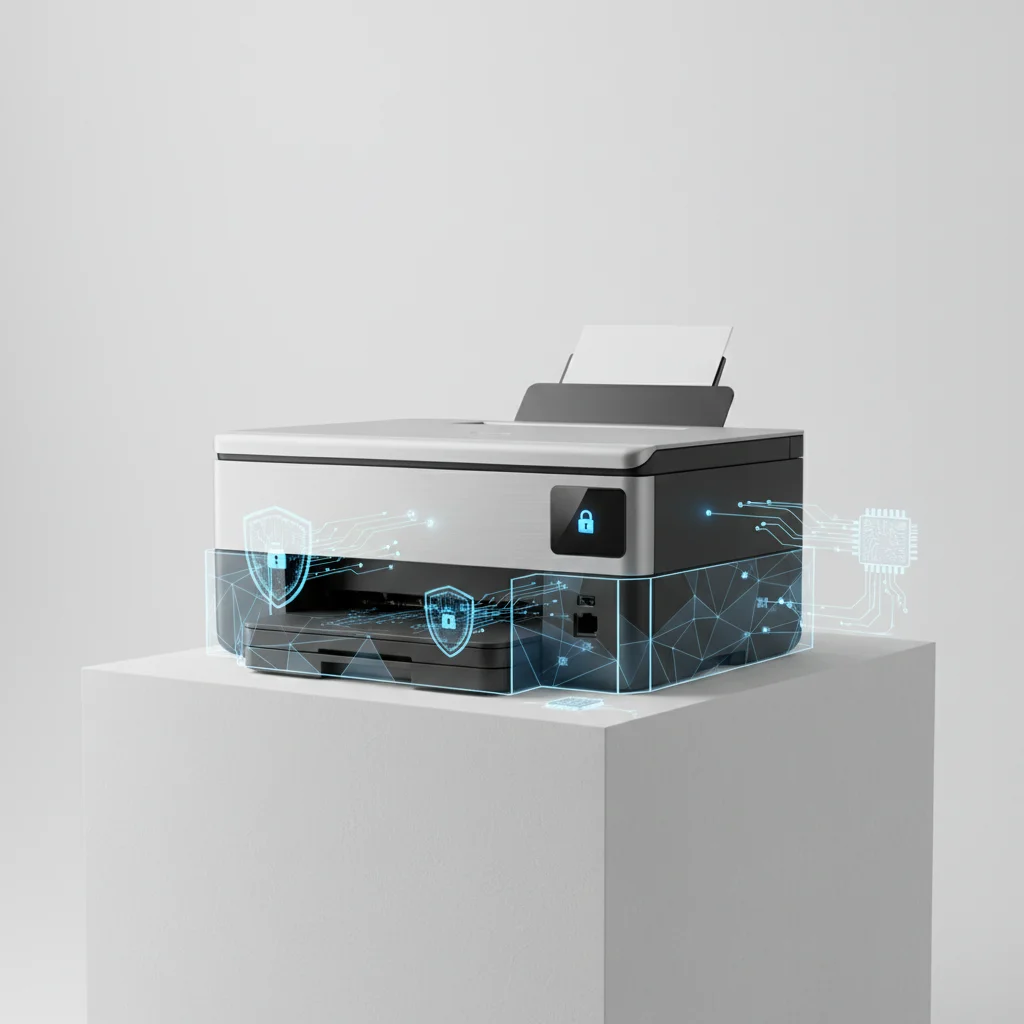
Protecting your data from cyber threats is paramount, and your laser printer, often overlooked, can be a significant vulnerability. A comprehensive approach to laser printer security involves implementing at least five key strategies to safeguard sensitive information. These strategies range from basic network configurations to advanced firmware updates and physical access controls, ensuring that your printer doesn’t become an unwitting gateway for data breaches.
Understanding Printer Vulnerabilities
Many users don’t realize that modern laser printers are essentially network-connected computers with their own operating systems, memory, and storage. This connectivity, while convenient, exposes them to the same types of cyber threats as any other device on your network. Common vulnerabilities include open network ports, outdated firmware with known exploits, unencrypted print jobs, and accessible internal storage that can retain sensitive documents even after printing. Attackers can exploit these weaknesses to gain unauthorized access to your network, steal data, or even use your printer as a launchpad for further attacks.
Implementing Network Security Measures
The first line of defense for your laser printer is robust network security. This involves segmenting your printer network, if possible, to isolate it from critical data servers. Always assign your printer a strong, unique password for its administrative interface and change default credentials immediately. Utilize secure network protocols like SNMPv3 for management and IPsec for encrypted communication between the printer and your workstations. Regularly review your router’s firewall settings to ensure only necessary ports are open for printer communication. Consider using a dedicated VLAN for all your office printers to further enhance security and control.
- Change default administrator passwords immediately.
- Enable secure network protocols (SNMPv3, IPsec).
- Segment printer network using VLANs.
- Configure firewall rules to restrict access.
- Disable unused network services and ports.
Firmware Updates and Access Control
|
Our Picks for the Best Laser Printer in 2026
As an Amazon Associate I earn from qualifying purchases.
|
||
| Num | Product | Action |
|---|---|---|
| 1 | Canon imageCLASS MF284dw Wireless Black & White Laser Printer – All-in-One for Home Use, Print/Copy/Scan, 2-Sided Printing, 35 PPM, Auto Doc Feeder, Mobile Device Compatible, Starter Toner Included |

|
| 2 | Brother HL-L2405W Wireless Compact Monochrome Laser Printer with Mobile Printing, Black & White Output | Includes Refresh Subscription Trial(1), Works with Alexa |
|
| 3 | Brother HLL6210DW Business Monochrome Laser Printer with Large Paper Capacity, Wireless and Gigabit Ethernet Networking, Advanced Security Features and Mobile Printing (Renewed Premium) |
|
| 4 | Brother HL-L2460DW Wireless Compact Monochrome Laser Printer with Duplex, Mobile Printing, Black & White Output | Includes Refresh Subscription Trial(1), Works with Alexa |
|
| 5 | Brother DCP-L2640DW Wireless Compact Monochrome Multi-Function Laser Printer with Copy and Scan, Duplex, Mobile, Black & White | Includes Refresh Subscription Trial(1), Works with Alexa |
|
| 6 | HP LaserJet MFP M235sdw All-in-One Laser Wireless Printer, Scan/Copy, Black & White, Duplex, Best-for-Office |
|
| 7 | Brother MFC-L2820DW Wireless Compact Monochrome All-in-One Laser Printer with Copy, Scan and Fax, Duplex, Black & White | Includes Refresh Subscription Trial(1), Works with Alexa |
|
| 8 | Brother DCP-L2640DW Wireless Compact Monochrome Multi-Function Laser Printer with Copy and Scan, Duplex, Black & White Output | Includes Refresh Subscription Trial(1), (Renewed Premium) |
|
| 9 | HP Laserjet MFP M234dw Wireless Printer, Print, scan, Copy, Fast speeds, Easy Setup, Mobile Printing, Best-for-Small Teams, Instant Ink Eligible |
|
| 10 | Brother HLL3280CDW Wireless Compact Color Laser Printer, Duplex, Mobile Printing & Ethernet | Includes 2 Month Refresh Subscription Trial¹, Amazon Dash Replenishment Ready (Renewed Premium) |
|
Keeping your printer’s firmware up to date is crucial. Manufacturers frequently release updates that patch security vulnerabilities and improve overall device performance. Establish a routine for checking and applying these updates. Beyond software, physical security is also vital. Position printers in secure locations, restrict physical access to authorized personnel, and consider using printer lock mechanisms. Many modern laser printers offer features like secure boot and tamper detection, which should be enabled to prevent unauthorized modifications to the device’s software or hardware.
Securing Print Jobs and Data Storage
To prevent sensitive information from being intercepted or accessed, always use encrypted print jobs. Many business-grade laser printers support Secure Print or Encrypted PDF printing, which requires a PIN or password to release the job at the printer. Furthermore, be aware that printers often have internal hard drives or memory that store print job data. Enable data overwrite features, if available, to automatically erase this information after each job or at regular intervals. For highly sensitive environments, consider printers with encrypted hard drives or those that allow for secure data deletion before disposal.
Regular Audits and Employee Training
Even with the best technical controls, human error remains a significant factor in security breaches. Conduct regular security audits of your printer fleet to identify and address potential vulnerabilities. This includes reviewing access logs, checking configuration settings, and ensuring all security features are active. Equally important is employee training. Educate staff on the importance of printer security, how to use secure print features, and the risks associated with leaving sensitive documents unattended in output trays. A well-informed workforce is your strongest defense against printer-related cyber threats.
Get our weekly buyer guide
Practical specs, not advice. Unsubscribe anytime.
