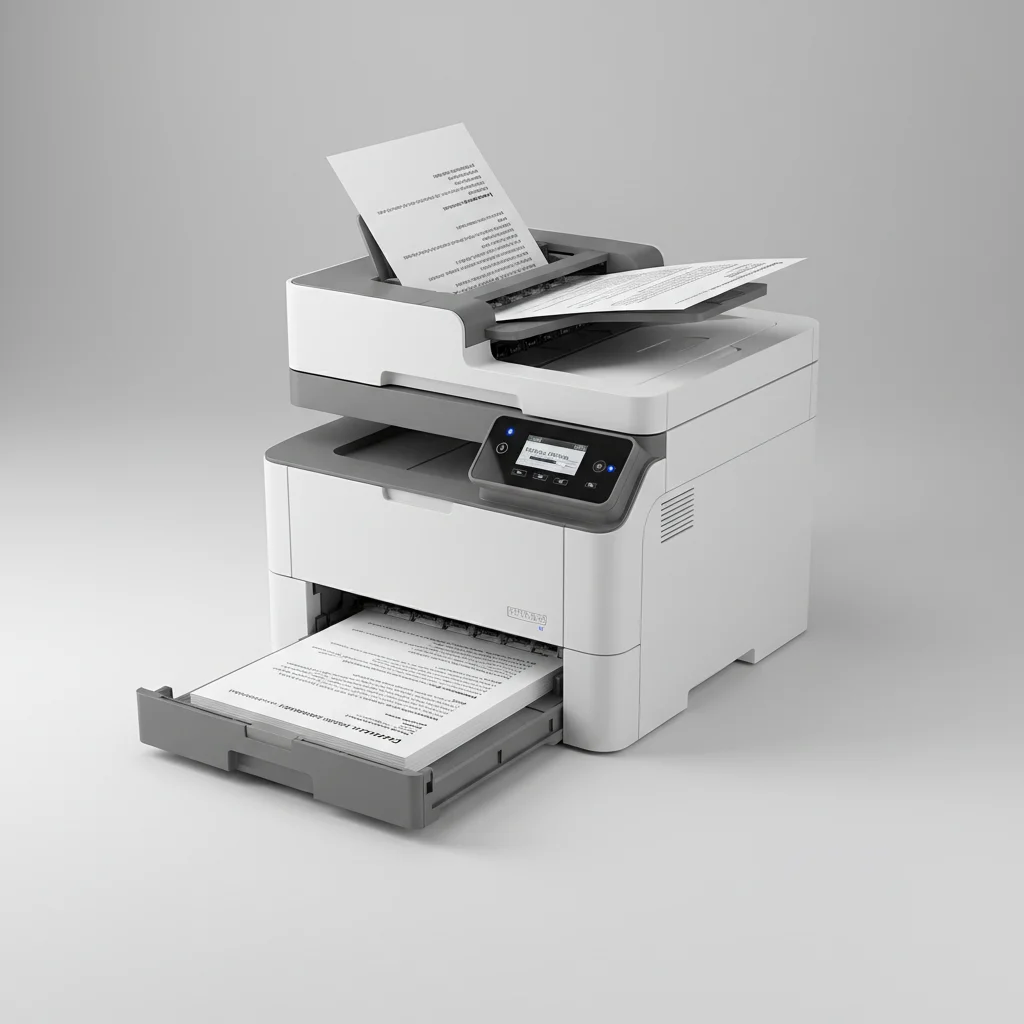
Laser printer duplex printing allows you to print on both sides of a sheet of paper automatically, saving paper and reducing environmental impact. Most modern laser printers, especially those designed for office use, come equipped with an automatic duplexing unit. This feature is crucial for efficiency and sustainability, cutting paper consumption by up to 50% for many common documents.
Understanding Automatic Duplexing
Automatic duplexing means the printer can flip the paper internally after printing the first side and then print on the second side without manual intervention. This is distinct from manual duplexing, where the user has to reinsert the paper into the tray to print the second side. For high-volume printing, automatic duplexing is a significant time-saver and reduces the chance of errors like printing on the wrong side or in the wrong orientation.
When considering a new laser printer, checking for the ‘automatic duplex printing’ specification is essential if you frequently print multi-page documents. This feature is often found in mid-range to high-end models, though it is becoming more common in entry-level office printers as well.
Benefits of Duplex Printing
The primary benefit of duplex printing is environmental. By using less paper, you contribute to fewer trees being cut down and reduce the energy and water used in paper production. Economically, it translates directly into lower paper costs over time, which can be substantial for businesses or individuals with high printing volumes. Furthermore, duplex printing results in thinner documents, which can save space in filing cabinets and reduce shipping costs for mailed reports.
- Reduces paper consumption by up to 50%.
- Lowers operational costs for paper supplies.
- Minimizes environmental impact.
- Creates more compact documents for storage and mailing.
- Enhances professional appearance of reports and presentations.
How to Enable Duplex Printing
|
Our Picks for the Best Laser Printer in 2026
As an Amazon Associate I earn from qualifying purchases.
|
||
| Num | Product | Action |
|---|---|---|
| 1 | Brother HLL3280CDW Wireless Compact Color Laser Printer, Duplex, Mobile Printing & Ethernet | Includes 2 Month Refresh Subscription Trial¹, Amazon Dash Replenishment Ready (Renewed Premium) |

|
| 2 | HP LaserJet MFP M235sdw All-in-One Laser Wireless Printer, Scan/Copy, Black & White, Duplex, Best-for-Office |
|
| 3 | Brother HL-L2460DW Wireless Compact Monochrome Laser Printer with Duplex, Mobile Printing, Black & White Output | Includes Refresh Subscription Trial(1), Works with Alexa |
|
| 4 | HP Laserjet MFP M234dw Wireless Printer, Print, scan, Copy, Fast speeds, Easy Setup, Mobile Printing, Best-for-Small Teams, Instant Ink Eligible |
|
| 5 | Brother HLL6210DW Business Monochrome Laser Printer with Large Paper Capacity, Wireless and Gigabit Ethernet Networking, Advanced Security Features and Mobile Printing (Renewed Premium) |
|
| 6 | Brother DCP-L2640DW Wireless Compact Monochrome Multi-Function Laser Printer with Copy and Scan, Duplex, Black & White Output | Includes Refresh Subscription Trial(1), (Renewed Premium) |
|
| 7 | Brother DCP-L2640DW Wireless Compact Monochrome Multi-Function Laser Printer with Copy and Scan, Duplex, Mobile, Black & White | Includes Refresh Subscription Trial(1), Works with Alexa |
|
| 8 | Brother MFC-L2820DW Wireless Compact Monochrome All-in-One Laser Printer with Copy, Scan and Fax, Duplex, Black & White | Includes Refresh Subscription Trial(1), Works with Alexa |
|
| 9 | Canon imageCLASS MF284dw Wireless Black & White Laser Printer – All-in-One for Home Use, Print/Copy/Scan, 2-Sided Printing, 35 PPM, Auto Doc Feeder, Mobile Device Compatible, Starter Toner Included |
|
| 10 | Brother HL-L2405W Wireless Compact Monochrome Laser Printer with Mobile Printing, Black & White Output | Includes Refresh Subscription Trial(1), Works with Alexa |
|
Enabling duplex printing is typically straightforward and done through your computer’s print dialog box. After selecting ‘Print’ from your application, look for ‘Printer Properties,’ ‘Preferences,’ or ‘Layout’ settings. Within these options, you should find a checkbox or dropdown menu for ‘Print on Both Sides,’ ‘Duplex Printing,’ or ‘Two-Sided Printing.’ Ensure you select the correct binding edge (long-edge or short-edge) depending on how you want the document to be read. For example, books typically use long-edge binding, while calendars might use short-edge binding.
If your printer supports automatic duplexing but the option isn’t appearing, ensure your printer drivers are up to date. Outdated drivers can sometimes prevent advanced features from being recognized by your operating system. You can usually find the latest drivers on the manufacturer’s website.
Troubleshooting Duplex Printing Issues
Occasionally, duplex printing might encounter issues. Common problems include paper jams, misfeeds, or the printer only printing on one side despite the setting being enabled. Paper jams are often caused by using paper that is too thick, too thin, or has an uneven surface. Ensure you are using paper within your printer’s specified weight range. Misfeeds can sometimes be resolved by cleaning the paper rollers, which can accumulate dust and debris over time.
If the printer consistently prints only on one side, double-check the print settings in your application and the printer’s control panel. Sometimes, a firmware update for the printer can resolve persistent issues. Refer to your printer’s manual or the manufacturer’s support website for specific troubleshooting steps for your model.
Choosing a Duplex-Capable Laser Printer
When purchasing a new laser printer, consider not just the presence of duplex printing but also its speed and reliability. Some printers may offer duplexing but at a significantly reduced speed compared to single-sided printing. Look for models that maintain a good print speed even when duplexing. Brands like Brother, HP, and Canon offer a wide range of laser printers with robust automatic duplexing capabilities suitable for various needs, from home offices to large enterprises.
For example, the Brother HL-L2370DW is a popular monochrome laser printer known for its fast automatic duplex printing, making it an excellent choice for individuals or small offices needing efficient two-sided document production. For color duplexing, models like the HP Color LaserJet Pro MFP M283fdw provide both speed and quality for professional-looking double-sided prints.
Get our weekly buyer guide
Practical specs, not advice. Unsubscribe anytime.
